
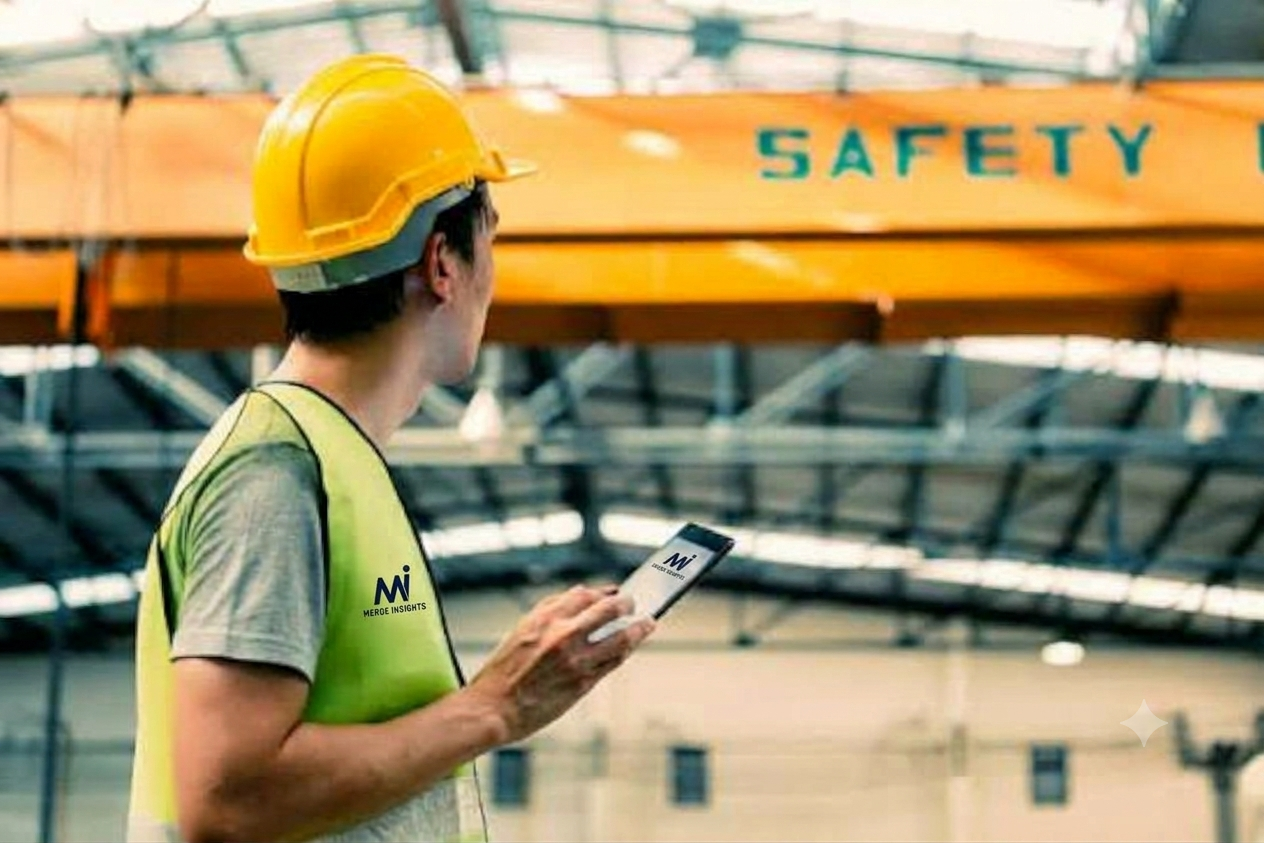
Lone Worker Safety App for Remote and Isolated Worksites in Australia
A lone worker safety app gives workers at remote and isolated worksites in Australia a fast way to check in, raise an alarm and get help when nobody is nearby. It tracks location, flags missed check-ins and alerts a monitoring team within seconds. In this guide, we’ll cover the risks of working alone, how an emergency wrist watch and duress alarms fit in, and what to look for before you buy.
Picking the right lone worker safety app is more than a safety decision for remote and isolated worksites in Australia. It is also a legal one, because employers must manage the risks of working alone under Australian work health and safety laws.
Why Working Alone in Remote Australia Is Risky
Australia is huge, and many worksites sit hours from the nearest town. Think of a farm hand checking bores in the Pilbara, a technician at a solar farm in western Queensland, or a ranger in the Top End. Help can be a long way off, and mobile coverage is often patchy or missing.
When something goes wrong, minutes matter. A fall, a vehicle rollover, a snake bite or heat stress can leave a worker unable to call for help. If nobody knows there is a problem, a manageable incident can quickly become a tragedy.
The law expects employers to plan for this. Safe Work Australia explains that a person conducting a business or undertaking must eliminate or minimise risks to workers. Remote work adds extra factors to consider:
- Long travel times for emergency services
- Limited or no mobile coverage
- Extreme heat, storms and bushfire risk
- Fatigue from long shifts and long drives
What a Lone Worker Safety App Must Do
A good lone worker safety app does more than send a text message. It builds a safety net around each worker, from the start of a shift to the end. The core features to expect are:
- Scheduled check-ins that prompt the worker at set times
- Automatic alerts when a check-in is missed
- Live GPS location, so responders know where to go
- A clear escalation path to a monitoring team
The Mi app from Merge Insights follows this approach. Workers check in from their phone, and a missed check-in triggers an alert. Supervisors can then see who is safe, who is overdue and who needs help, all in one place.
Also look for an app that queues alerts and sends them as soon as coverage returns. That matters when your crew works in valleys, mines or dense bush.
Why an Emergency Wrist Watch Keeps Help Within Reach
A phone sitting in a ute’s console is no use to a worker lying in a paddock. That is where an emergency wrist watch earns its place. It stays on the wrist, so help is one press away even when the phone is out of reach or both hands are hurt.
The MiBle button Watch is built for this job. A worker presses the button, and the alert goes to a monitoring team along with their location. There is no need to unlock a screen or open an app first.
A wearable also suits people working in gloves, wet weather or dusty conditions, where a touchscreen is hard to use. For lone workers, simple is safe.
Duress Alarms for Sites Where Every Second Counts
Duress alarms are built for moments when a worker feels threatened or in immediate danger. That might be an aggressive customer at a remote roadhouse, a confrontation at an isolated depot or an unwelcome visitor on a quiet site. Under pressure, a worker should not have to type or talk. A discreet press should be enough.
Modern duress alarms send a silent alert with a GPS location, so the worker does not need to draw attention to the call for help. Merge Insights works this way, and its alerts are backed by A1-certified emergency response monitoring.
An alarm is only as good as the response behind it. Always ask who receives the alert, how fast they act and who they call next.
How to Choose the Right Solution
Start with coverage. Test the lone worker safety app and any devices where your people actually work, not just in the office. Check that alerts still get through when mobile signal drops.
Next, look at monitoring. A 24/7 monitored service means someone is always ready to act. Ask if the provider is certified and where your data is stored. Merge Insights, for example, offers 100% sovereign Australian data residency, which many Australian organisations now require.
Finally, think about the people using it. Simple tools get used, and clunky tools get ignored. Run a short trial with a small crew, collect feedback and adjust before rolling out to every site. Good reporting also helps you show compliance and spot patterns, such as sites with frequent missed check-ins.
Conclusion
Remote and isolated work will always carry risk, but the right tools shrink it. A lone worker safety app gives you visibility, an emergency wrist watch puts help on the worker’s arm, and reliable duress alarms protect people when danger is immediate. Together, they help you meet your duty of care and bring every worker home.
Ready to protect your remote crews? Visit Merge Insights to book a demo and see how it works on your sites.